

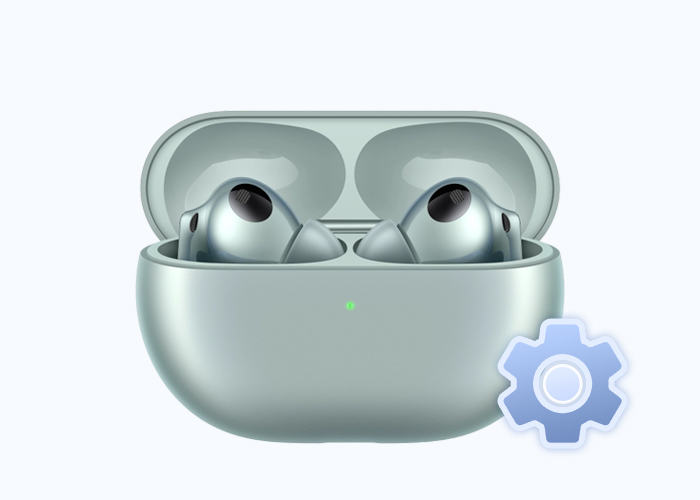
Resetting your HUAWEI Bluetooth earbuds to factory settings can help resolve connectivity issues or prepare the device for pairing with a new phone or tablet. This process clears the pairing information, restores all settings to their default, and re-enters the earbuds into pairing mode. Below, you’ll find instructions for different HUAWEI Bluetooth earbud models.
General Steps to Reset HUAWEI Bluetooth Earbuds
For most HUAWEI Bluetooth earbuds, the process of resetting is straightforward. Start by placing the earbuds in the charging case, leaving the lid open. Depending on the model, you’ll either press and hold the function button or touch and hold specific areas of the earbuds. The status indicator will flash red when the reset process is complete. After this, the earbuds will be in pairing mode, and you can reconnect them to your device.
FreeBuds Series Earbuds
FreeBuds SE 3
- Place the earbuds in the charging case, keeping the lid open.
- Press and hold the function button for at least 10 seconds until the indicator flashes red.
- Once the red light flashes, release the button and pair the earbuds again with your phone or tablet.
FreeBuds SE 2
- Open the charging case and insert both earbuds.
- Touch and hold the control area on both the left and right handles for 10 seconds until the indicator flashes red.
- Reconnect the earbuds to your device once the reset is complete.
FreeLace Series Earbuds
FreeLace Pro / FreeLace
- Press and hold the power button for at least 10 seconds.
- Wait for the status indicator to flash red and then white, signaling a successful reset.
- Re-pair the earbuds with your device.
FreeLace Lite / xSport Pro
- For models without a power button, place the earbuds in the charging case.
- Press and hold the function button for at least 10 seconds until the red indicator appears.
- Pair the earbuds with your device after the reset.
HUAWEI FreeBuds Studio Headphones
For HUAWEI FreeBuds Studio headphones, follow these steps:
- Power on the headphones.
- Press and hold the Bluetooth button for more than 10 seconds until the indicator flashes red, then white.
- Re-pair the headphones with your device.
Other HUAWEI Earbuds and Accessories
HUAWEI Sport Bluetooth Earbuds & HUAWEI Exercise Heart Rate Bluetooth Earbuds
- Press and hold both the power button and volume down button for at least 4 seconds.
- The indicator will flash, confirming the reset is complete. Pair the earbuds again.
HUAWEI FreeBuds Lite / HONOR FlyPods Lite
- Place the earbuds in the charging case, keeping the lid open.
- Press and hold the function button for at least 10 seconds until the indicator flashes red.
- Once the reset is complete, reconnect the earbuds to your device.
Troubleshooting
If you experience any issues while resetting your HUAWEI Bluetooth earbuds, ensure you’re following the steps carefully. For models like the FreeBuds Pro 3 and FreeLace Pro 2, refer to their respective series instructions for resetting. Also, make sure the charging case is not obstructing the function button.
In case the reset doesn’t work or you’re unable to pair the earbuds, consider backing up your data and visiting an authorized HUAWEI customer service center for assistance.
Resetting your HUAWEI Bluetooth earbuds to their factory settings is a simple process that can help resolve many issues, including connectivity problems. By following the instructions for your specific model, you can easily restore the earbuds to their default settings and start fresh with a new pairing.