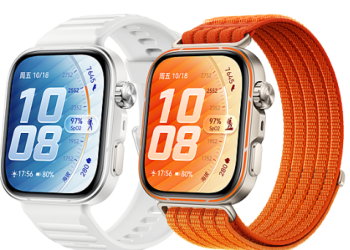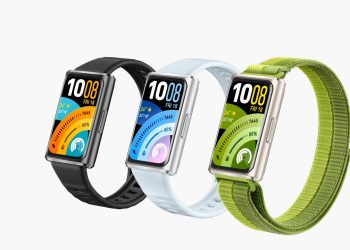


Apple is making it easier for iPhones to sync with the Huawei watch and other third-party smartwatches like Garmin. This shift comes as a direct result of new EU regulations—and it’s already rolling out to users in Europe.
Under the Digital Markets Act, Apple must now open its ecosystem to rival devices. As a result, certain Huawei and Garmin users report their watches now sync with iPhones even when the companion app isn’t running. Previously, background syncing only worked reliably with the Apple Watch. Now, health and activity data from Huawei wearables can flow continuously to iPhones without manual intervention.
This change matters because many iPhone owners use non-Apple watches. Yet, until recently, they faced constant disconnections or lost data if they didn’t keep the watch app open. Thanks to the new rules, that frustration is fading—especially in the EU.
The European Commission confirmed that iOS 26.3 will bring further improvements. One key feature is “Notification Forwarding,” which lets alerts appear directly on third-party watches or bands without extra setup. This means calls, messages, and app alerts could soon show up seamlessly on your Huawei device—even if you’re not using an Apple Watch.
Importantly, these upgrades aren’t just about convenience. They reflect a broader regulatory push to ensure fair competition. Before, Apple’s closed system gave its own hardware a clear advantage. Now, brands like Huawei and Garmin get a more level playing field—at least in Europe.
For iPhone users who own a Huawei watch, this is welcome news. No longer will they need to juggle apps or worry about missing fitness metrics. Instead, their wearable can stay connected in the background, just like an Apple Watch.
While it’s unclear if these changes will expand beyond the EU, the trend is telling. If successful, Apple may adopt similar openness globally. Until then, European users get first access to smoother, more reliable cross-brand integration.
In short, the era of iPhone exclusivity with wearables is softening. With iOS 26.3 and regulatory pressure, the iPhone sync with Huawei watch is becoming simpler, smarter, and more user-friendly than ever before.
READ: Huawei Expands NearLink Certification Across Flagship Phones