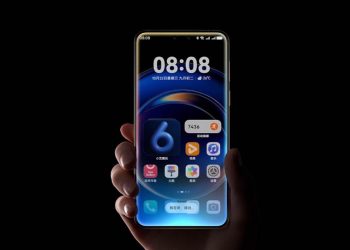


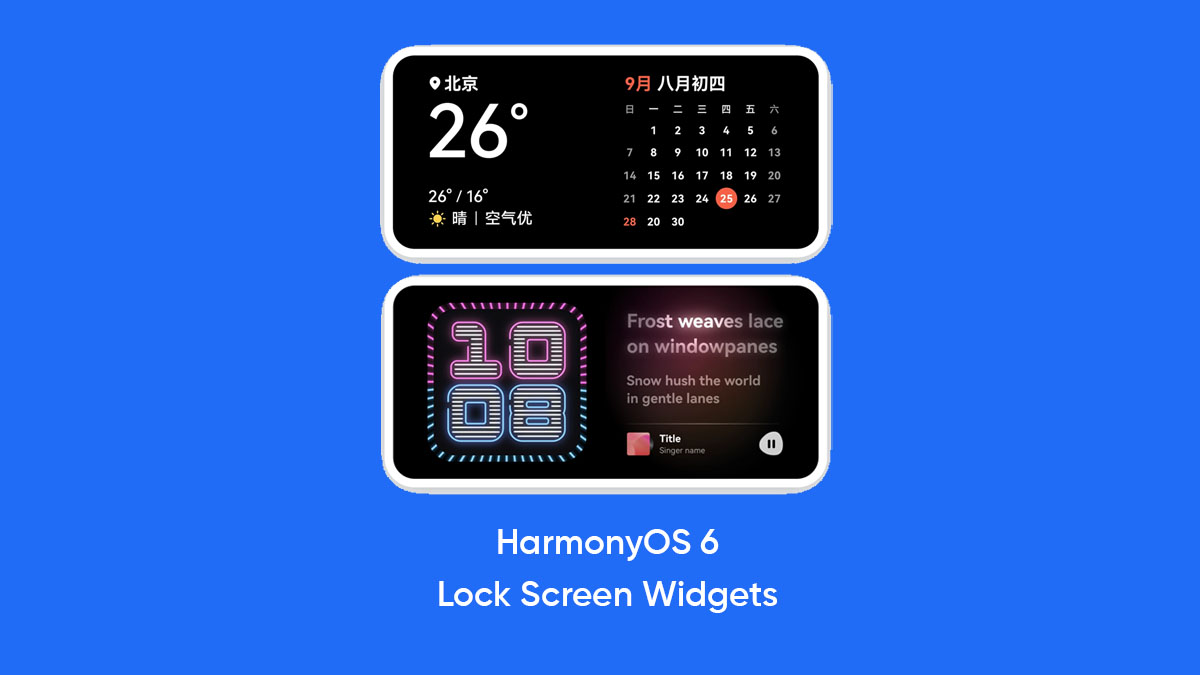
Huawei continues to push the boundaries of its mobile ecosystem with the latest software release. The HarmonyOS 6 Beta API 23 developer version is now available, bringing several innovative functions to compatible smartphones. Notably, the standout addition in this update is the introduction of advanced lock screen widgets. Specifically, these new tools allow for lightweight interaction without the need to fully unlock the device. The system refers to these additions as “feature widgets” or lock screen cards. Consequently, they appear in a convenient 2 x 2 layout, providing essential information at a glance. This update represents a major leap in how users can customize their daily mobile experience.
To begin with, the system now supports a versatile standby screen saver mode. Specifically, this feature acts as a custom Always-On Display (AOD) that activates in specific scenarios. For instance, it appears when the device is locked, charging, or held in a horizontal position. Furthermore, the HarmonyOS 6 Beta automatically adjusts the layout when the phone enters standby mode. The system takes two 2 x 2-sized widgets and enlarges them to fill the screen space. Therefore, the interface remains highly functional even when the user is not actively holding the phone. As a result, the device becomes a useful desk companion or bedside clock.
Regarding the user experience, the development team focused on three primary benefits for these widgets. First, the content is designed to be clearly visible from mid to far distances. Since users often glance at their phones from across a room, the information presentation ensures high legibility. Second, the update provides an immersive visual experience. Specifically, it uses a rich color palette to blend the widget content into the background environment. However, the design avoids overly bright light colors to prevent visual discontinuity. Third, the system supports lightweight interaction and smooth animations. By doing so, Huawei enhances the overall feel of the interface without draining the battery.
Meanwhile, interacting with these new features is both intuitive and fast. For instance, users can enter edit mode by simply pinching the screen or long-pressing with two fingers. Once in this mode, adding or removing widgets becomes a seamless task. Notably, the design eliminates the need for swiping left or right within the widget itself. Instead, the focus remains on a static, high-info display that stays stable on the screen. In addition, the HarmonyOS 6 Beta introduces a slight gradient effect when background images change. Thus, the visual transition remains smooth and maintains the stability of the lock screen elements.
In conclusion, this developer beta marks a significant evolution for Huawei’s operating system. While the update is currently aimed at developers, the features showcase the future direction of the brand’s user interface. Ultimately, the HarmonyOS 6 Beta emphasizes convenience, clarity, and style. Because the system now handles standby mode more intelligently, users gain more value from their devices during downtime. Moving forward, we expect these capabilities to become standard in the stable public release. For now, the developer community is exploring these impressive animations and layout options to perfect the experience for all users.