

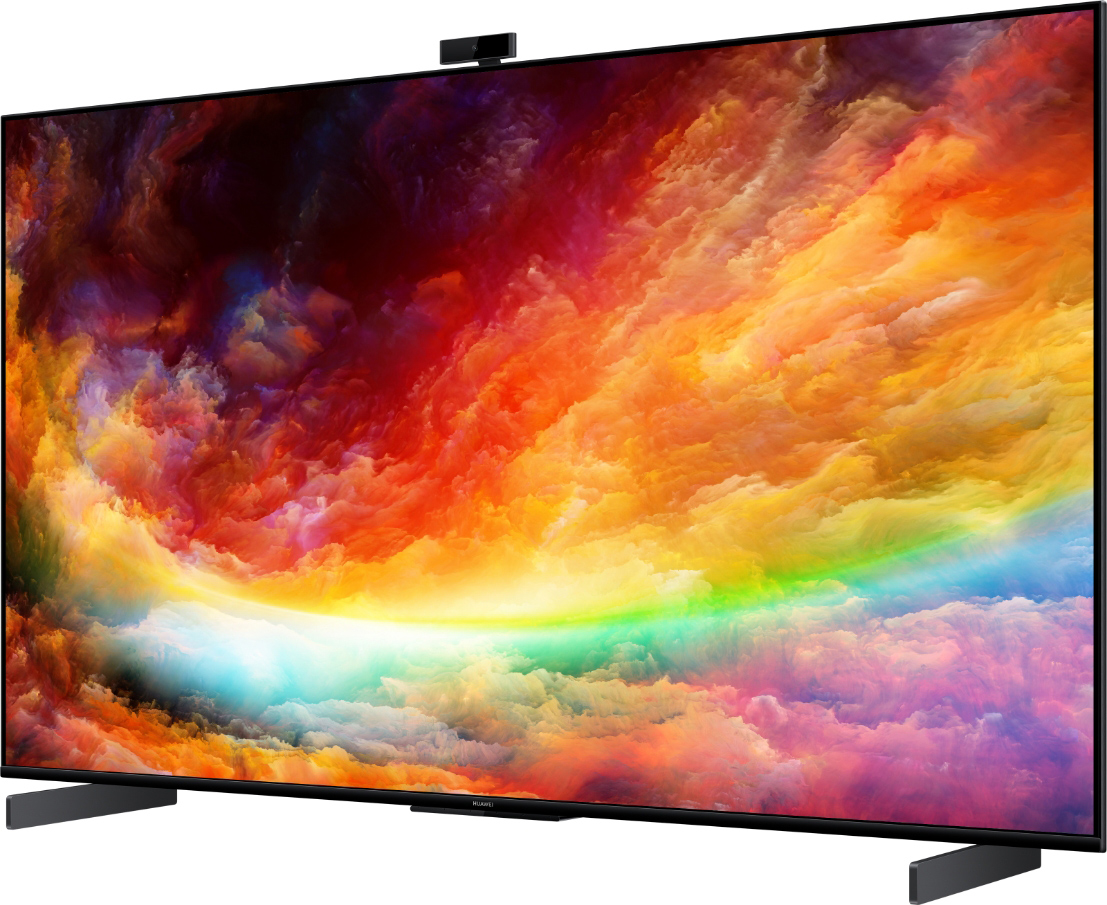
The Huawei Vision S65 Quick Start guide is designed to help users efficiently set up and operate their smart TV. This summary consolidates key steps and safety measures from the official Huawei documentation.
Device Overview
The Huawei Vision S65 (model HD65KAN9A) features a 3840 x 2160 UHD display, powered by the Honghu chipset. It includes a variety of input and output ports and supports dual-band Wi-Fi (2.4GHz/5GHz) and Bluetooth 5.1.
Remote Control Functions
The remote control includes:
- Home, Back, and Navigation buttons
- Huawei Share detection zone for NFC screen sharing
- Microphone for voice control
- OK, Menu, and Volume controls
- Power and Voice Command buttons
Connectivity Options
The Vision S65 supports:
- HDMI x3, AV IN, USB 3.0, Ethernet, and SPDIF
- HDMI2 port doubles as ARC (Audio Return Channel)
- Compatible with computers, game consoles, set-top boxes, USB drives, and audio amplifiers
Specifications at a Glance
| Specification | HD65KAN9A |
|---|---|
| Resolution | 3840 x 2160 |
| CPU | Honghu chipset |
| Power Supply | 200–240V; 50/60 Hz |
| Operating Temp | 0°C to 40°C |
| Humidity Range | 5% to 80% |
| Wireless | Wi-Fi a/b/g/n/ac, 2×2 dual antenna |
| Bluetooth | 5.1 BLE |
Wall Mounting Instructions
- Use 45mm screws with a wall adapter or 30mm screws without.
- VESA hole dimensions: 400×200 mm
- Leave at least 10cm space around the device for proper heat dissipation.
- Remove the stand before wall installation.
- Do not overtighten screws to avoid damage.
Safety Precautions
- Keep away from water, fire, and extreme temperatures.
- Do not block ventilation or cover the TV with any objects.
- Avoid using incompatible accessories; doing so may void warranty.
- Maintain minimum 20 cm distance from the body during operation for RF safety.
Disposal & Compliance
- Follow local e-waste disposal regulations.
- Compliant with EU RoHS, REACH, and ErP directives.
- Restricted 5GHz frequency band use indoors in select countries.
Legal and Trademarks
- Licensed technologies include Dolby Audio, DTS, Bluetooth, and HDMI.
- Refer to Huawei’s Privacy Policy and Support Page for additional help.
Final Notes
This guide ensures users can start using the Huawei Vision S65 Smart TV with confidence. Whether mounting the device, connecting peripherals, or using smart features, following the provided instructions enhances safety and functionality.
Related: Huawei’s Ascend AI Chips Rival NVIDIA in Global Race